






EPFO WhatsApp Number: Download PF Passbook Without Login Easily
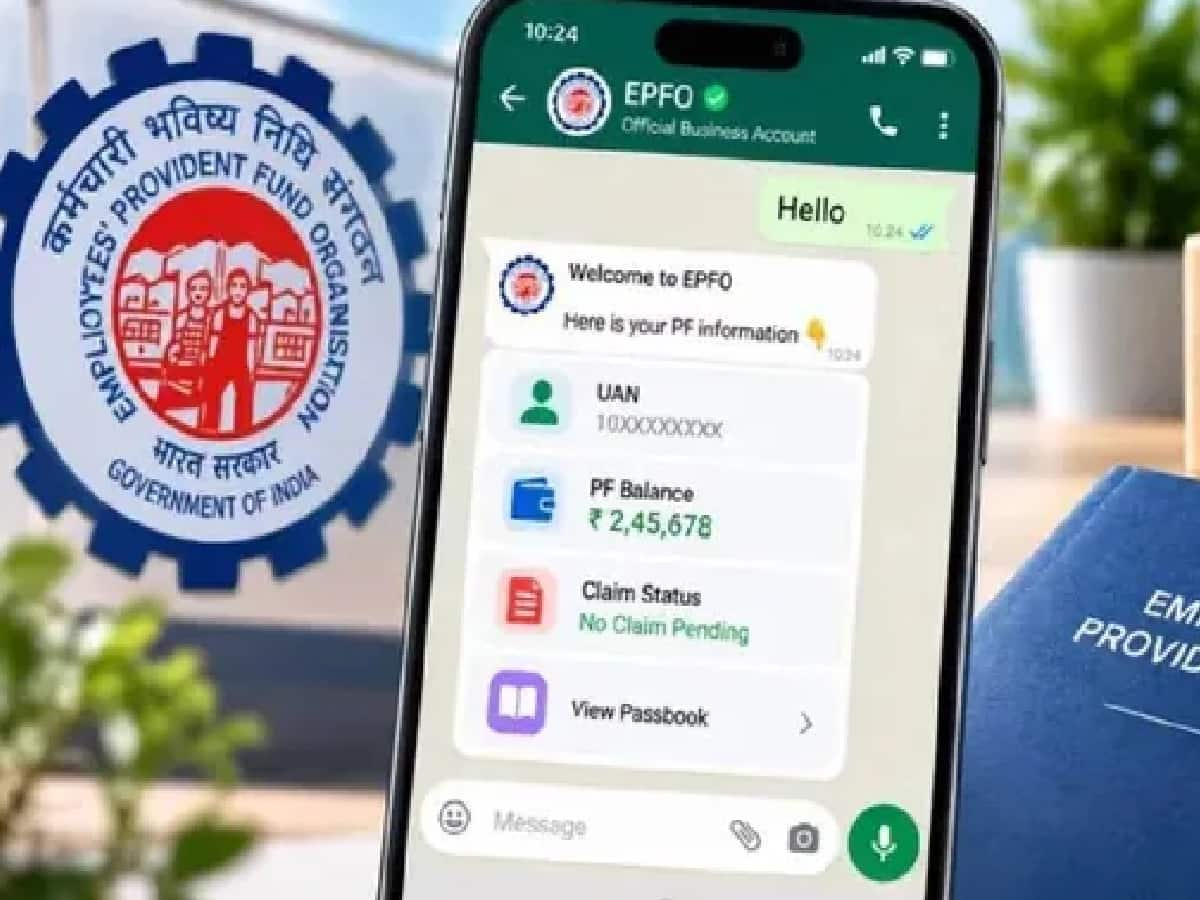
Checking your Provident Fund (PF) balance or downloading an updated EPF passbook has long meant navigating multiple portal logins, captchas, and occasional server slowdowns—but salaried employees across India now have a far simpler option right inside their smartphones. The Employees’ Provident Fund Organisation (EPFO) has officially rolled out core member services on WhatsApp, enabling crores of subscribers to check their PF balance, inspect their last five account transactions, and download their EPF passbook directly from home without repeatedly logging into the Unified Member Portal. Formally inaugurated by Union Labour and Employment Minister Mansukh Mandaviya on November 1, 2026, to mark the 74th Foundation Day of EPFO, the digital service is designed to bring faster, mobile-first transparency to formal-sector workers across New Delhi, Lucknow, Noida, Gurugram, Mumbai, Pune, Bengaluru, Hyderabad, Chennai, Kolkata, and Ahmedabad.
What Is the Official EPFO WhatsApp Service Number
To ensure members access verified information safely without falling prey to fraudulent lookalike accounts, the retirement fund body has dedicated a single official WhatsApp helpline for member self-service: +91 87964 41800.
By initiating a simple chat on +91 87964 41800 from a smartphone, salaried employees with an active Universal Account Number (UAN) can immediately access three essential PF account services on demand:
-
Instant PF Balance Check: View your latest cumulative employee and employer Provident Fund corpus.
-
Last 5 Transactions Summary: Verify recent monthly wage contributions, employer deposits, and interest or withdrawal entries.
-
EPF Passbook Download: Generate and download a PDF copy of your updated EPF passbook directly inside WhatsApp without opening a web browser or entering portal passwords.
Step-by-Step Process to Download Your EPF Passbook on WhatsApp
If you want to check your Provident Fund balance or download your EPF passbook without logging into the EPFO website, complete the straightforward eight-step process below:
| Step | Action Required on WhatsApp | What Happens Next |
| Step 1 | Save +91 87964 41800 in your smartphone contacts | Creates a verified contact for the official EPFO WhatsApp service |
| Step 2 | Open WhatsApp and send "Hi" to +91 87964 41800 | Triggers the automated EPFO self-service chatbot session |
| Step 3 | Review the automated welcome message from EPFO | Displays initial greeting and language selection prompt |
| Step 4 | Choose your preferred language from the menu | Switches all subsequent prompts and menus to your chosen language |
| Step 5 | Tap PF Balance, Last 5 Transactions, or Download Passbook | Initiates the specific account query you want to access |
| Step 6 | Enter your UAN and verify via the OTP sent to your registered mobile | Confirms member identity securely without needing a portal password |
| Step 7 | Select your relevant Member ID / PF Account | Useful if you have worked with multiple employers under one UAN |
| Step 8 | View your balance on screen or tap to download your EPF Passbook | Delivers your PF summary or downloadable PDF passbook directly in chat |
Essential Pre-Checks for Smooth EPF Passbook Access on WhatsApp
Before starting your WhatsApp request, keep two basic requirements in mind so verification completes smoothly on the first try. First, your Universal Account Number (UAN) must be activated, and your current mobile number must be seeded and linked with your UAN—since the one-time password (OTP) in Step 6 is dispatched strictly to the mobile number registered in EPFO records. Second, ensure you only interact with the official verified number +91 87964 41800 and never share your OTP, Aadhaar details, or bank credentials on unverified numbers or third-party links.
Launched as part of EPFO’s broader 74th Foundation Day digital modernization drive alongside upgraded grievance and claim-tracking tools, this WhatsApp service eliminates everyday friction for millions of salaried workers—putting real-time retirement savings visibility just a "Hi" away.